Your Bourse Introduces Virtual Groups to Simplify Trade Routing
Your Bourse has launched Virtual Groups, which let brokers bring native groups from multiple connected trading servers under one routing structure. Changes can then be made centrally instead of platform by platform.

Your Bourse Introduces Virtual Groups to Simplify Trade Routing: the key facts, what changed and what it means for traders – updated November 2026.
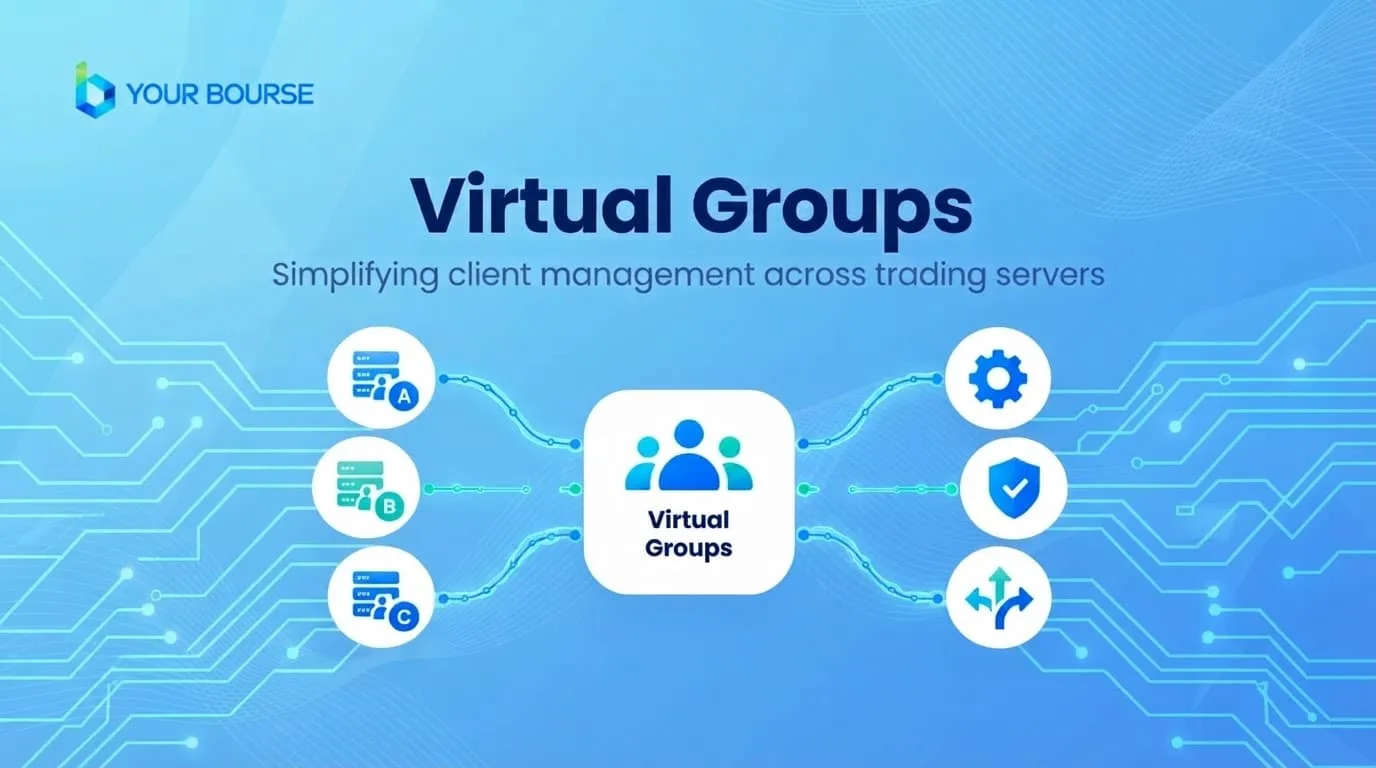
Limassol, Cyprus, November 4, 2026. Your Bourse has introduced Virtual Groups, a feature that helps brokers apply the same routing logic to client groups spread across several connected trading servers. Once the initial rules are in place, new native groups can be added to a Virtual Group from one place, rather than by revisiting the configuration on each trading platform.
Simplify Trade Routing: Why Routing Management Gets Harder as Brokers Scale
Brokers operating across multiple connected trading platforms often need the same routing logic applied to client groups that sit on different servers. That works well at the start. The difficulty appears when those groups change. A new native group is created, an existing one is restructured, or the broker adds another server, and the relevant rules then have to be checked, edited and kept consistent wherever they apply.
Each additional server creates another place where a rule can be missed or left out of date. The more groups and servers a brokerage runs, the more time goes into repetitive updates, and the greater the risk that configurations gradually drift apart. Virtual Groups are designed to reduce that overhead by giving brokers a single structure to manage routing across the environment.
Simplify Trade Routing: What Virtual Groups Are and How They Work
Virtual Groups allow brokers to bring together relevant native groups from different connected trading servers under a single virtual grouping. In practice, this means the broker works with one structure that represents a set of groups across servers, rather than treating each server's configuration as a separate task.
The setup follows a clear sequence:
- Identify the native groups on each connected trading server that should follow the same routing logic.
- Bring those native groups together under a Virtual Group.
- Configure the initial routing rule for the Virtual Group on each relevant trading platform.
- When another native group needs the same routing setup, add it to the Virtual Group from one place.
The first step is the one that still requires work on each platform. The initial routing rule is configured on every relevant trading platform. Once that foundation is in place, the broker's ongoing changes can be made within the Virtual Group, so the same routing setup can be extended without repeating the full process on each server.
Simplify Trade Routing: A Practical Example of Virtual Groups in Routing
Consider a broker running several connected trading servers that wants specific client groups across those environments to follow the same routing logic. Without Virtual Groups, the broker has to maintain the relevant configuration separately on each individual trading platform. Every change to those groups means another round of manual updates, and each update is another opportunity for a mismatch.
With Virtual Groups, those native groups are brought together and managed under the same routing structure. The broker sets up the rule, and when the trading-server landscape evolves, the adjustments are made within that structure. The table below summarises the difference in day-to-day operations.
| Task | Without Virtual Groups | With Virtual Groups |
|---|---|---|
| Initial routing setup | Configured separately on each trading platform | Configured for the Virtual Group on each relevant platform |
| Adding a new native group | Edit the configuration on each affected trading platform | Add the native group to the Virtual Group from one place |
| Ongoing maintenance as the server structure changes | Repeated visits to each trading platform | Updates made centrally within the Virtual Group |
| Consistency across servers | Depends on keeping separate configurations aligned by hand | Routing managed under one shared structure |
Using Virtual Groups for Hedging-Related Routing
Brokers can use Virtual Groups as part of their routing configuration, including hedging-related routing. For brokers who manage hedging across several connected servers, the ability to keep that routing logic in one structure can make the configuration easier to review and easier to extend when new groups are introduced.
Because hedging setups vary considerably from one brokerage to another, brokers should confirm with Your Bourse how their specific routing and hedging requirements would be configured before making changes across live environments.
Managing MT4 and MT5 Client Logins Under One Structure
Brokers that run both MetaTrader 4 and MetaTrader 5 often manage client logins across two different platform environments. Virtual Groups are designed to work across connected trading servers, and a demonstration by Furqan Fakhar shows how client logins across MT4 and MT5 can be managed under one Virtual Group. The video is a useful reference for brokers who want to see the workflow in practice before committing to a setup.
Watch the walkthrough here: https://bit.ly/4ybxkrV
What Virtual Groups Mean for Brokers and Traders
The feature is aimed primarily at brokers. Its direct benefit is operational: fewer touchpoints, less repetitive configuration work, and a clearer picture of how groups across servers are routed. Brokers with large or growing server estates are likely to see the most value, because the cost of manual maintenance rises with every new group and platform.
For individual traders, any benefit is indirect. A broker that manages routing through a consistent structure is better placed to keep its administration tidy, but traders should still understand how their own broker routes orders, what execution conditions apply, and what is set out in the broker's terms.
Trading involves risk, and how orders are routed can affect execution. Review your broker's documentation before you trade.
Key Facts About Virtual Groups
- Virtual Groups can bring together native groups from multiple connected trading platforms.
- Brokers can use Virtual Groups as part of their routing configuration, including hedging-related routing.
- The initial routing rule is still configured on each relevant trading platform.
- Once that setup is in place, additional native groups can be added to the Virtual Group from one place.
- This reduces the need to maintain the same group-level routing configuration separately as the broker's trading-server structure changes.
Steps for Brokers Evaluating Virtual Groups
Brokers considering Virtual Groups can prepare by reviewing their current setup before any changes are made. A structured approach typically includes the following:
- Map every connected trading server and the native groups that exist on each.
- Identify which groups currently follow the same routing logic and would benefit from being managed together.
- Note which routing and hedging rules must be preserved during the transition.
- Watch the walkthrough and book a demonstration to see how the workflow would apply to your server structure.
Book a demo to see how Virtual Groups could work across your trading-server setup: https://bit.ly/4yWL9KJ
About Your Bourse
Your Bourse is a trading technology provider powering modern brokerages. Everything needed to connect to liquidity, run execution, manage risk, and stay profitable is in one platform. Your Bourse offers three core products: Trade Server, Trade Engine, and Risk Management. All products are built for performance and reliability: ultra-low latency execution, colocation in major Equinix data centers, 99.999% uptime SLA, FIX API and real-time monitoring. Visit yourbourse.com to learn more.
For media inquiries:
Your Bourse
pr@yourbourse.com
https://www.yourbourse.com/
Related: Match-Trade appoints Przemysław Wojtyna as CCO.
We will keep this Simplify Trade Routing report updated as new information comes in.